
An employee uses AI to draft a customer email. It reads well, so they send it. Later, someone notices that it promised a refund your company doesn’t offer.
That’s the kind of AI mistake a small business can make during an ordinary workday. Nobody meant to cause a problem. A useful tool simply got ahead of the process around it.
Common AI mistakes small businesses make include trusting answers without checking them, sharing information without clear rules, and introducing tools without a specific job to do. Here are three examples and practical ways to prevent them.
1. Treating a polished AI answer as a checked answer
AI can produce a confident response that contains incorrect information. A professional tone doesn’t tell you whether a policy, price, date, or source is accurate.
Imagine a sales coordinator asking an AI tool to explain your return policy. Unless the tool has access to your current approved policy, it may produce a plausible answer based on general patterns. Even with the right document available, the response still needs checking.
The National Institute of Standards and Technology identifies confidently stated false content as a generative AI risk in its Generative AI Risk Management Profile. For a busy team, the practical lesson is straightforward: fluency isn’t verification.
Prevention step: give factual answers a source and a reviewer
Before using AI-generated information in a customer message or business decision, check it against the current document that governs the answer.
- Supply or connect the approved information needed for the task.
- Ask the tool to identify the supporting source and flag missing information.
- Check that the source actually supports the answer, including any exceptions.
- Have the responsible employee approve the final response before it goes out.
A source reference makes review easier; it doesn’t remove the need to review. If the policy doesn’t answer the question, route it to the person who owns that policy.
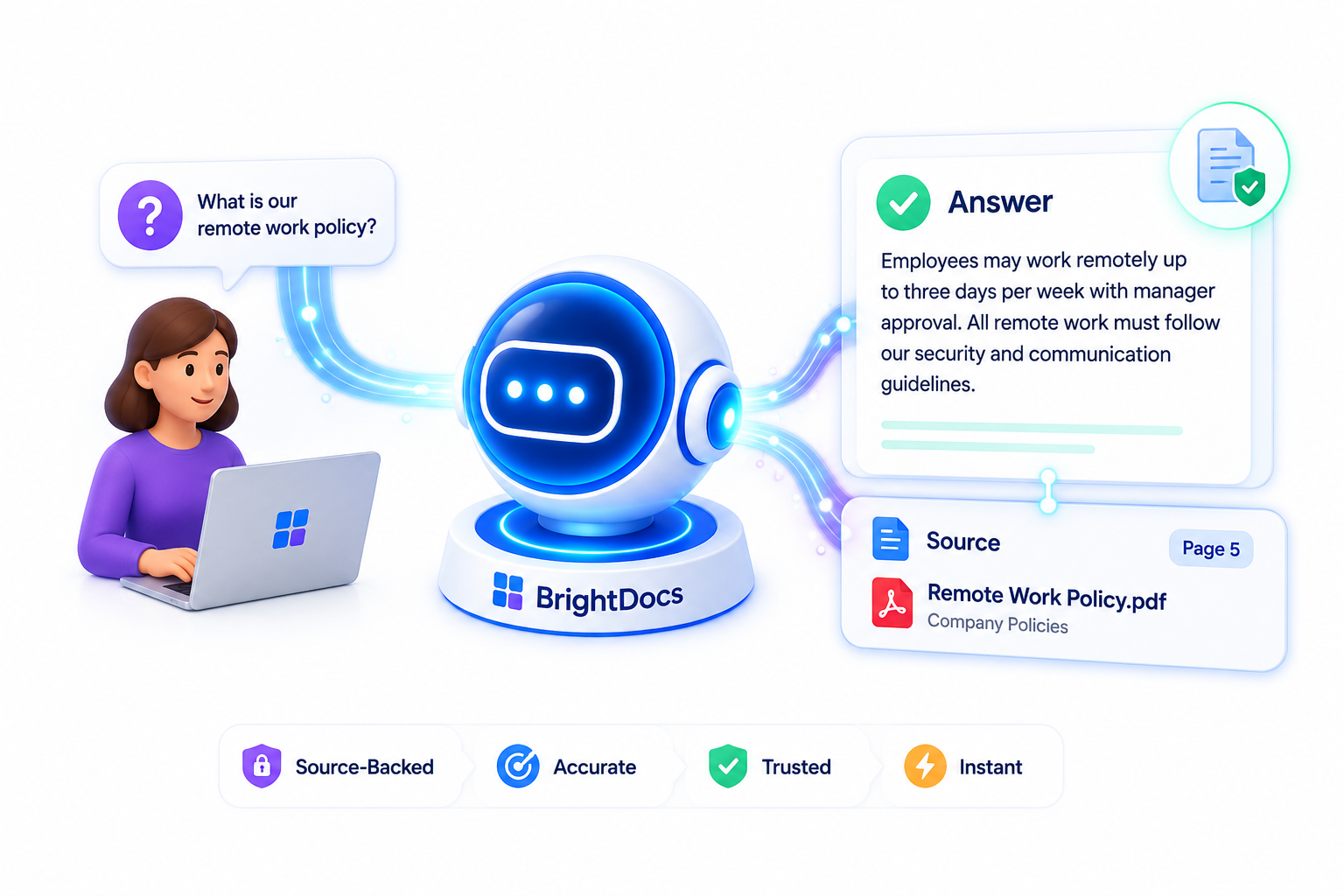
For recurring internal questions, a company Knowledge Hub can organize approved documents for an AI knowledge assistant. See how BrightDocs uses approved company information and source references.
2. Letting employees decide on their own what information to share
A manager pastes meeting notes into an AI tool to get a quick summary. The notes also contain customer contact details, an employee concern, and internal pricing discussions.
The task sounds harmless. The information inside it deserves a closer look.
Without clear instructions, employees have to make these calls individually. One person removes names. Another uploads the whole file. A third connects a shared folder because the tool offers that option.
Prevention step: approve the tool and the information separately
Write a short rule that tells people which AI accounts they may use, what information they may enter, and whom to ask when they’re unsure. An approved tool shouldn’t automatically mean every company document is approved for it.
Start a pilot with public information or made-up examples. Before allowing confidential material, have the person responsible for your systems review the provider’s current data-use, retention, access, and connected-app settings for your actual plan.
Give employees an instruction they can use in the moment:
“Use our approved AI account for these tasks. Keep customer records, employee information, credentials, and confidential documents out unless that specific use has been approved. If you’re unsure, ask before uploading.”
Replace “these tasks” with your actual list. Show employees where to ask, too. Removing names alone may leave enough detail to identify someone, so don’t treat it as a blanket approval.
NIST’s AI Risk Management Framework offers a broader resource for organizing how your business evaluates and manages AI risks.
3. Buying several AI tools before defining one useful task
You sign up for an AI writing assistant, a meeting tool, and an automation platform. A month later, employees are still doing most work the old way, and you’re paying for subscriptions nobody owns.
A tool demonstration can look impressive without showing whether it fits your team’s everyday work. When the assignment is simply “start using AI,” employees have to invent the process themselves.
Prevention step: run a small pilot with a clear finish line
Choose one recurring task with a result that’s easy to inspect, such as drafting responses to routine inquiries using approved service information.
Record how long the task currently takes. Then run a two-week pilot with a few willing employees, one approved tool, and one person responsible for reviewing the results.
Measure the full job, including checking and rewriting the AI output. Ask whether the team saved time, whether quality held up, and whether employees would keep using the process. If corrections consume the time saved, narrow the task or change the approach before expanding it.
Show participants a worked example and make it easy to report confusing or incorrect output. Their feedback will tell you more than a feature list.
A useful first step for this week
Pick one task. Name the approved tool, the information it may use, and the person who checks the result. Try it on a small scale and set a review date.
That gives your team a clear way to get started, catch mistakes, and decide what deserves a bigger investment.
Check your readiness before expanding AI use
Use the BrightDocs AI Readiness Scorecard to take a closer look at your business’s readiness for AI before adding more tools or workflows.
Download the AI Readiness Scorecard
About BrightDocs
BrightDocs.ai helps small business teams find and use their company knowledge.
We organize approved company documents into a Knowledge Hub.
An AI knowledge assistant helps employees get answers with source references.
We manage setup, ongoing maintenance, and human support.
Learn more about BrightDocs.ai.