
Someone on your team needs to know how to handle a damaged delivery. The procedure is in a PDF, the reporting steps are in a separate document, and nobody remembers which folder holds the current version. So they ask the operations manager. Again. This is the kind of everyday problem AI document search can help solve.
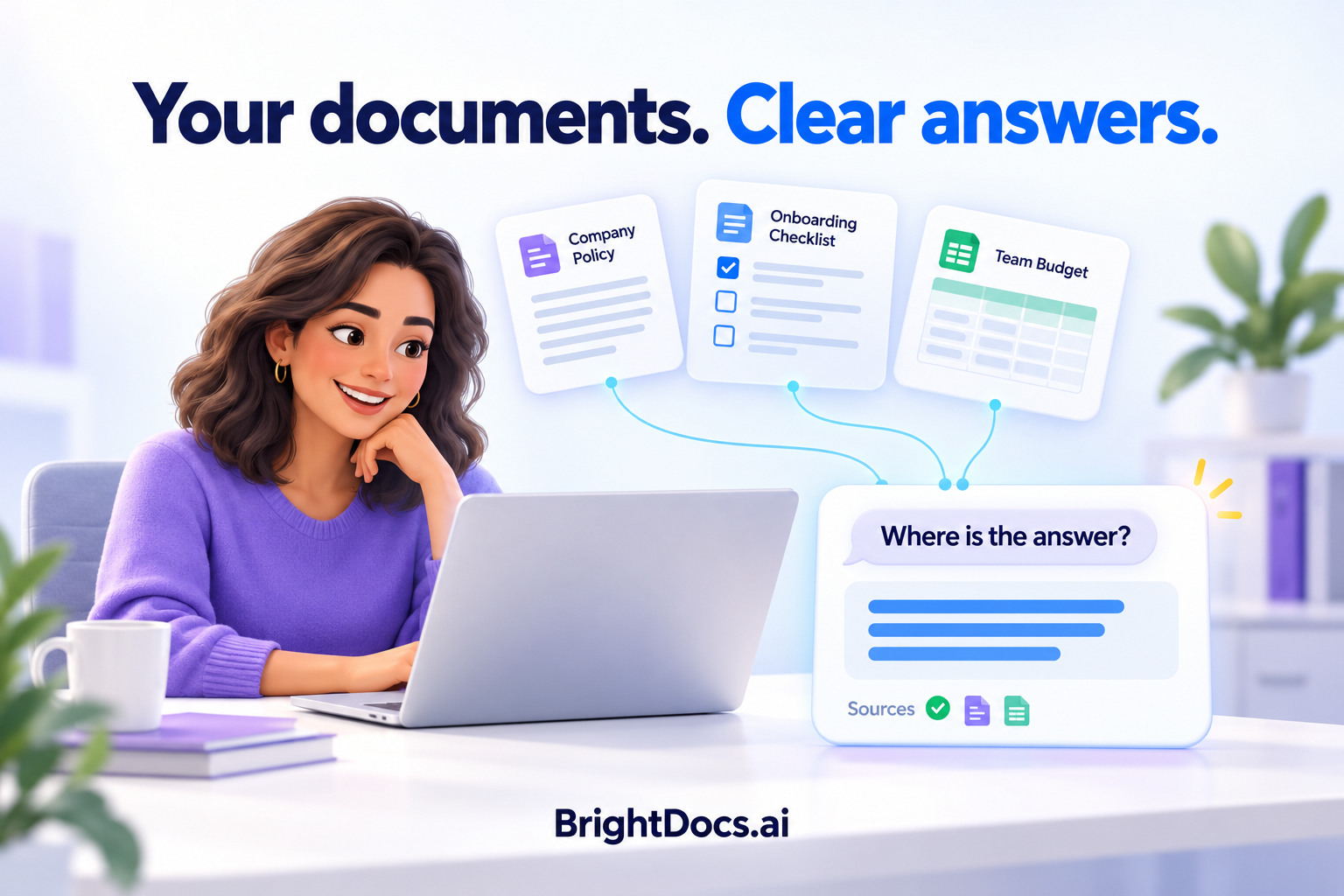
AI document search can give that employee one place to ask the question. An AI knowledge assistant searches a prepared collection of company information, finds relevant passages, and uses them to explain the answer with citations.
The important detail is the collection it searches. “All your company documents” should mean the approved, supported documents included in the system, with access limited to the right people. It does not mean an assistant automatically sees everything your business owns.
How AI document search turns a question into an answer
The process starts before anyone types a question. Selected documents are prepared for search, and their content is organized so relevant sections can be retrieved. When an employee asks something, the system finds useful passages and supplies them to the AI to help it compose an answer.
Search can match meaning as well as exact words. Someone asking about “a broken shipment” may need a procedure titled “Damaged Goods Reporting.” They should not have to memorize the document’s title to find it.
This approach is often called retrieval-augmented generation, or RAG. Microsoft’s overview of how RAG connects AI with company content explains the underlying method. For employees, the useful part is straightforward: ask a work question and get an answer supported by relevant company information.
One question may need more than one document
Consider that damaged-delivery question. A useful answer might need information from a receiving procedure and an incident-reporting guide. A well-configured assistant can retrieve relevant material from both and identify the sources supporting its response.
During testing, ask whether the answer includes the required steps, any exceptions, and the correct reporting route. A response can sound reasonable while missing a condition that matters.
Citations make that review possible. They should identify the documents behind the answer clearly enough for someone to check them. Their presence alone does not prove the answer is correct; the cited material must actually support what the assistant says.
What does “all your documents” really include?
Before choosing a system, ask for a clear list of what it can search. File formats, source locations, and update arrangements are separate questions.
File formats
PDFs, Word documents, and spreadsheets need different preparation. Scanned pages may need text recognition, while tables need their headings, rows, and relationships preserved. Test representative files instead of relying on a supported-format list.
Source locations
A folder of approved uploads and a live connection to a business system offer different coverage. Confirm which locations are included and how their contents reach the assistant.
Access
Approval to process a document does not automatically give every employee permission to read it. Agree on the intended audience and verify that restricted information stays outside other users’ answers.
Updates
Ask what happens when a file is revised, replaced, or removed. A source change must reach the searchable collection before answers can reliably reflect it. Confirm the update schedule and how failures are handled.
For a first project, an approved collection of frequently used documents is a practical starting point. You can expand coverage after you know that the assistant answers useful questions reliably.
The documents still need someone responsible for them
Suppose two procedures give different instructions for the same task. Which one should the assistant use? That decision belongs to the business. Giving AI both files does not resolve the disagreement.
Before adding documents, identify the current version and the person responsible for approving changes. Set aside obsolete copies and flag missing information. If a process exists only in a manager’s memory, it needs to be documented before a document-based assistant can answer from it.
You do not need to reorganize your entire company to get started. Choose a manageable collection with a clear owner, then improve it as testing reveals gaps.
Test the questions employees actually ask
A polished demonstration is useful, but your own questions are a better test. Ask a few employees what they regularly have to look up or interrupt a colleague to find.
For an operations pilot, a test list might include:
- Where do I report a damaged delivery?
- What information must go into the incident report?
- Does the procedure change for a partial delivery?
- What should I do if the documents do not cover this situation?
Have the document owner check each answer against the approved sources. Record missing steps, unsupported claims, incorrect citations, and questions the collection cannot answer. Include a question you know is unanswered in the documents: the assistant should acknowledge the gap instead of inventing a company rule.
Also test a changed document and the access boundaries relevant to your pilot. Those checks show whether the system remains useful beyond its first demonstration.
How BrightDocs approaches AI document search
BrightDocs brings approved company documents into a managed Knowledge Hub and makes that knowledge available through an AI knowledge assistant. The work includes preparing the documents, configuring the assistant, testing its answers, and maintaining the agreed collection.
If you are wondering why an ordinary AI chat does not already know your internal procedures, read why ChatGPT cannot answer your company’s questions on its own.
For the setup process, see how BrightDocs turns approved documents into an AI knowledge assistant.
Start with the information your team needs most
AI can make company documents easier to use when the right information is included, kept current, and available to the people who need it. The first goal is a useful, trustworthy answer to a recurring work question. Wider coverage can follow.
Choose one team, collect its frequently used documents, and write down the questions a successful assistant should answer. That gives you a concrete starting point and a practical way to judge the result.
Is your company knowledge ready for AI?
The free BrightDocs AI Readiness Scorecard helps you check document readiness, access, ownership, and other foundations before your first project. Complete 12 quick checks, identify gaps, and choose a practical next step.
Get the free AI Readiness Scorecard — enter your first name and work email to access the printable PDF.